
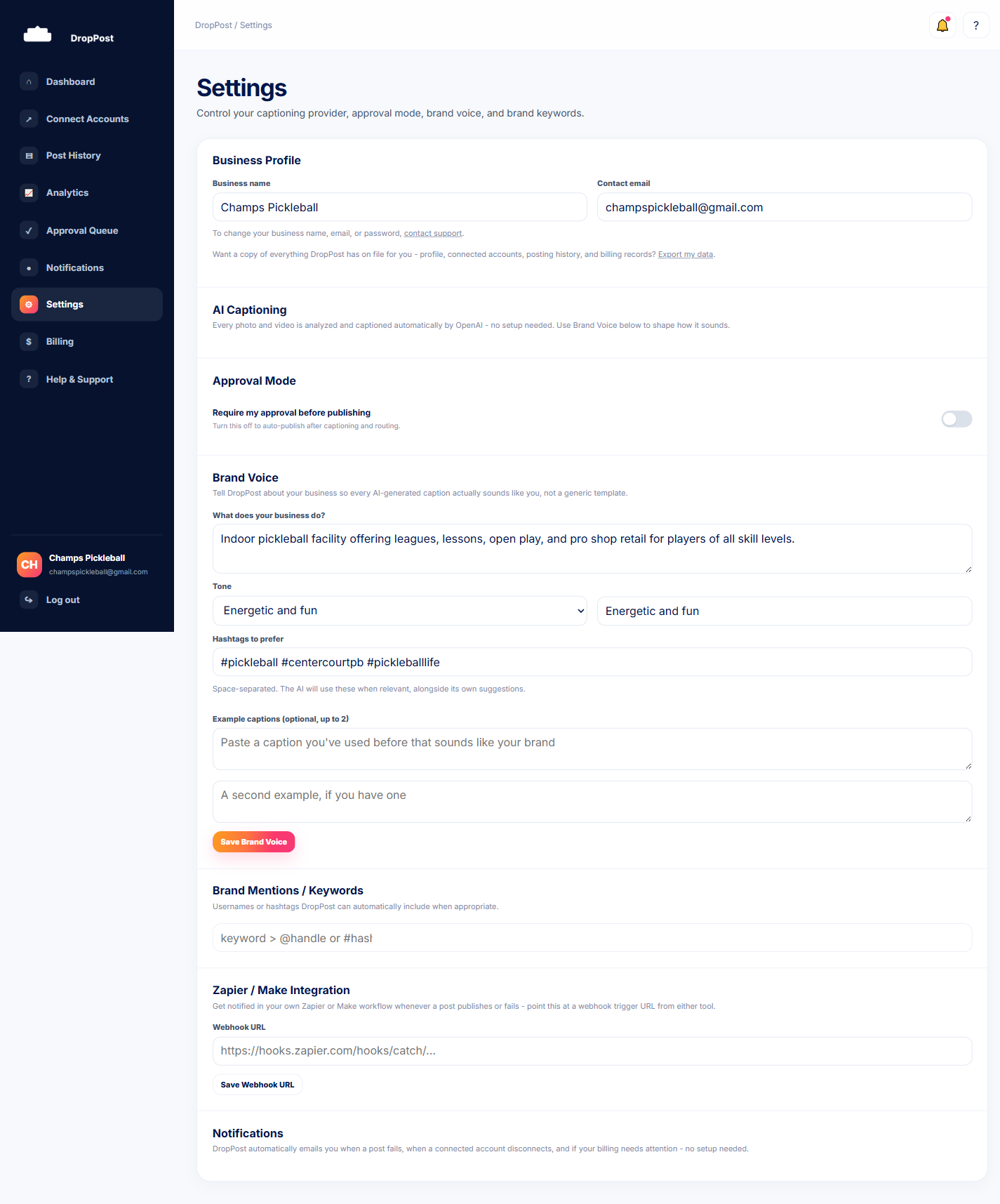
Log in to your DropPost portal and click Settings in the navigation. This is the same page where Brand Voice, Brand Mentions, and your webhook URL all live.
Help / Turning on Approval Mode
Turning on Approval Mode
By default, DropPost publishes new photos and videos the moment it sees them land in your connected Dropbox folder. Approval Mode changes that: instead of posting right away, every new drop gets staged in an Approval Queue where you can read the AI-written caption, edit it if needed, and decide whether it goes out at all. This guide walks you through turning it on and reviewing your first staged post.
What you'll need
An active DropPost account with at least one social account connected and your Dropbox folder linked. Approval Mode works the same whether you're posting to Facebook, Instagram, X, or TikTok.
Steps
1
Open Settings.
2
Find the Approval Mode toggle.
On the Settings page, locate the Approval Mode switch. It's off by default, meaning new drops publish automatically with no review step.
3
Switch it on.
Click the toggle to turn Approval Mode on. From this point forward, any new photo or video dropped into your Dropbox folder will be detected and AI-captioned as usual, but instead of publishing immediately it will land in your Approval Queue and wait for you.
4
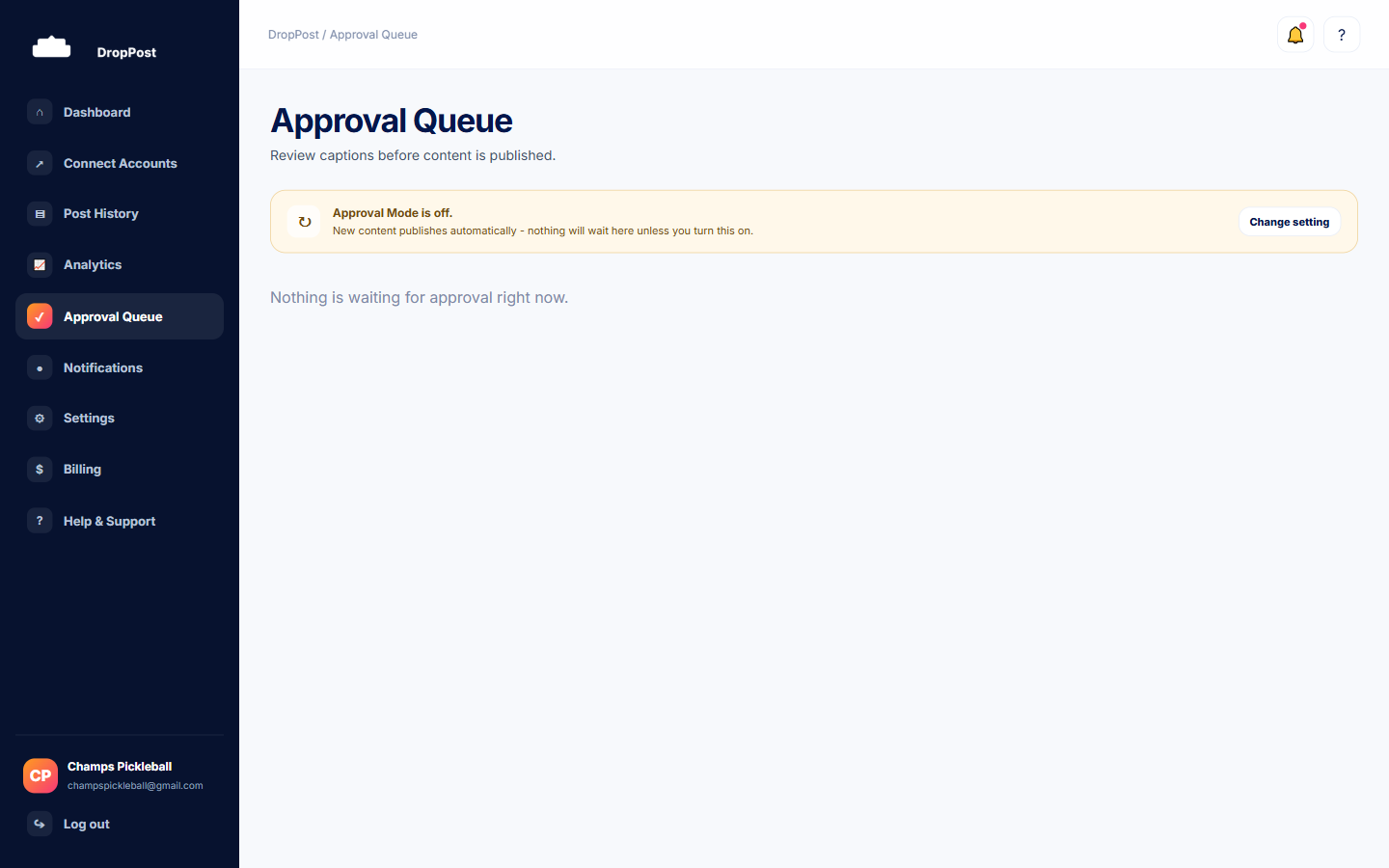
Open the Approval Queue.
Navigate to the Approval Queue page from the portal menu. Any drop that came in since you turned Approval Mode on will appear here, showing the media and the caption DropPost's AI wrote for it.
5
Review and edit the caption.
Read through the AI-written caption for each staged post. If anything needs a tweak — wording, a hashtag, a tone adjustment — click into the caption field and edit it directly before making a decision.
6
Approve or reject.
Click Approve to publish the post with the caption as it currently reads, or click Reject to discard it entirely. Approving sends it out to every connected/routed destination for that drop; rejecting means it never goes out.
Tip: Turning Approval Mode off later takes effect immediately, but only for new drops going forward — anything already sitting in the Approval Queue at that point stays there until you approve or reject it yourself.
What happens next
With Approval Mode on, every new drop routes through the Approval Queue instead of publishing automatically, giving you a final check before anything goes live.