
The Free plan ($0/month) covers up to 3 posts every 24 hours from 1 Dropbox folder, with full AI captioning, automatic publishing, and posting history included. A card is required at signup so that after 6 months your account can move automatically to Pay-per-post with no interruption to publishing. Free also includes 1 DropPost-chosen promo post per month, which is part of what keeps Free actually free.
Help / Choosing a plan
Choosing a plan
DropPost has four plans, and the right one usually comes down to one question: how often do photos and videos actually land in your Dropbox folder? Below is a quick way to match your real posting habits to a plan, rather than guessing.
What you'll need
Just a sense of how many posts you publish in a typical week or month. If you're not sure yet, that's fine — you can start on one plan and move to another at any time.
Steps
1
Just testing the product, or posting occasionally?
2
Posting steadily, but not every single day?
Pay-per-post costs $0.10 per post with no monthly commitment. It's prepaid in $5 credit blocks, and your saved card is automatically recharged another $5 whenever the balance drops below $1, so publishing never has to stop mid-flow. It also supports unlimited Dropbox folders, which makes it a good fit if you're posting from more than one source but not on a strict daily cadence.
3
One account posting constantly?
Personal Unlimited is $4.99/month for unlimited monthly posts from 1 Dropbox folder. It includes manual approval mode, so you can review a post before it goes live, plus email support. If you're dropping in new photos or videos daily and don't want to think about per-post costs, this is usually the simplest fit.
4
Multiple locations or brands to manage?
Agency is $24.99/month with unlimited Dropbox folders and unlimited connected social profiles. It includes 350 posts per month, then $0.05 per post after that, plus priority support. This is built for managing several accounts or client brands from one place.
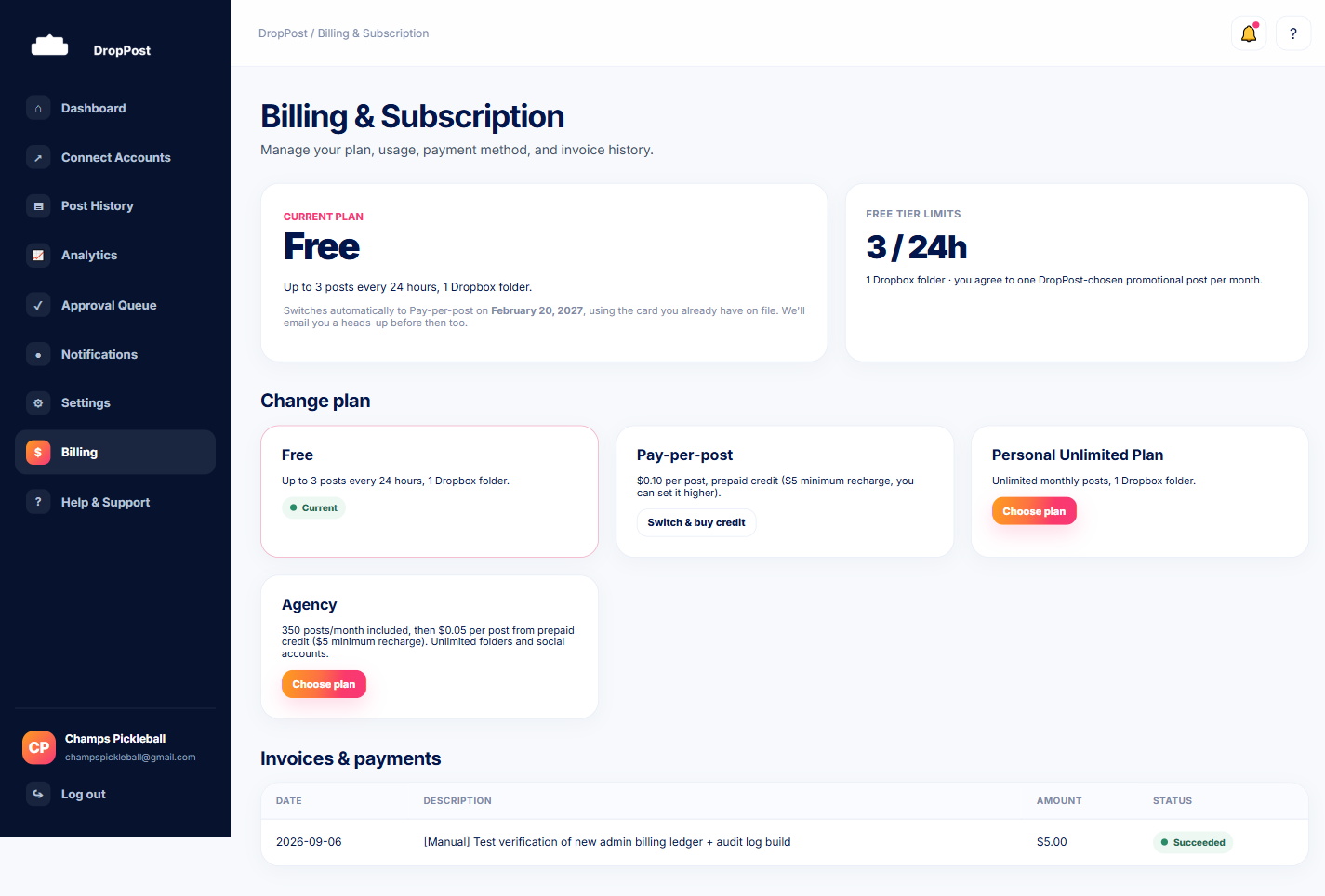
You can always change plans later from the Billing page — nothing is locked in permanently. If your posting habits change, your plan can change with them.
What happens next
Once you've picked a plan, head to the Billing page to confirm or switch to it. From there, DropPost handles the rest — including moving Free accounts to Pay-per-post automatically after 6 months, so there's never a gap in publishing.