
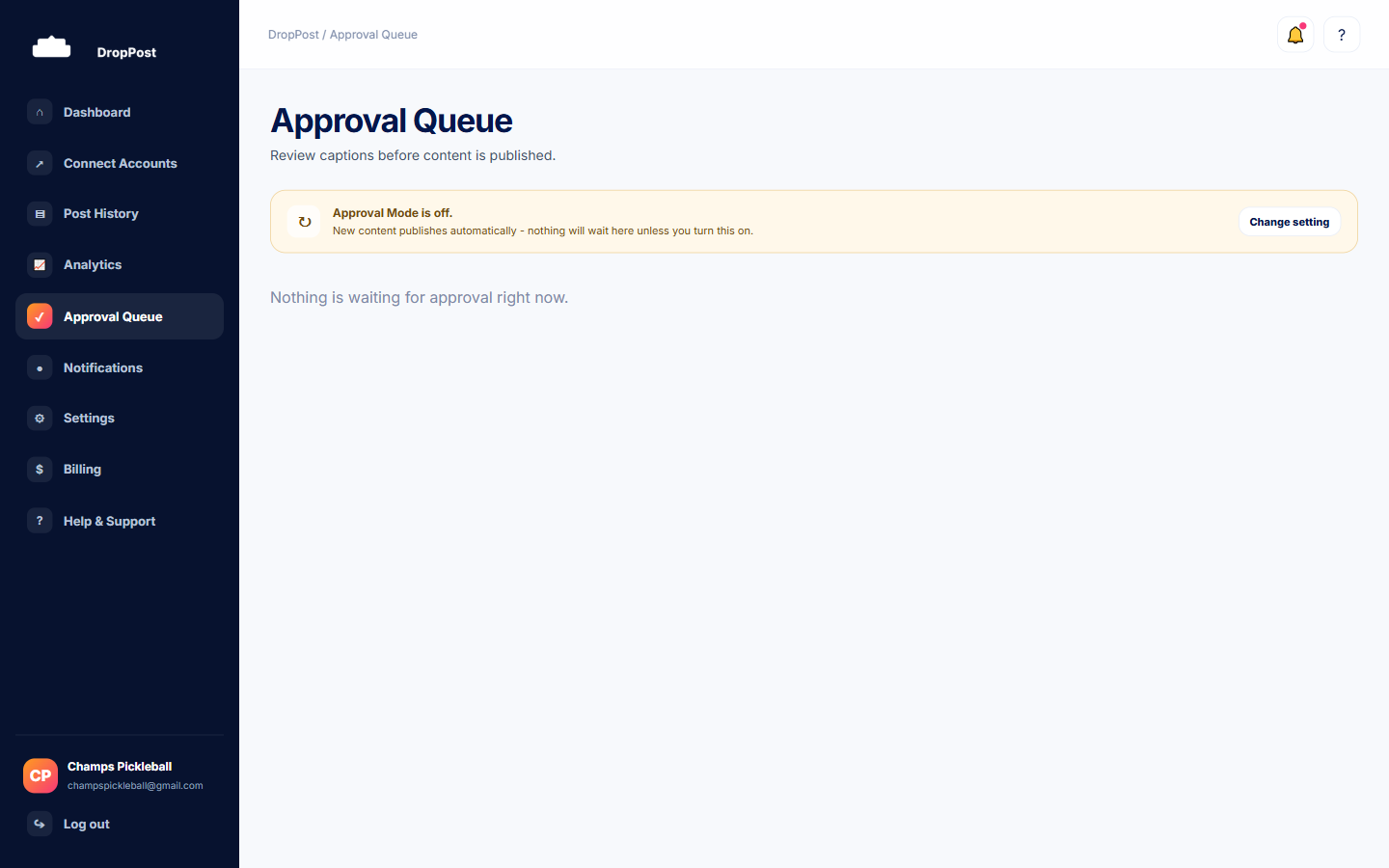
From the portal navigation, click Approval Queue. Anything waiting for your review appears here, with the newest arrivals first.
Help / Reviewing and approving a pending post
Reviewing and approving a pending post
If you have Approval Mode turned on, DropPost doesn't publish a new photo or video the moment it lands in your Dropbox folder — it stages the post first and waits for you to sign off. This guide covers where those staged posts show up, how to check and edit the caption DropPost's AI wrote, and what actually happens when you approve or reject one.
What you'll need
Approval Mode switched on for your account, and at least one post currently waiting for review. If Approval Mode is off, new posts publish automatically and never appear in this queue.
Steps
1
Open the Approval Queue
2
Check what's staged
Each entry shows a thumbnail of the photo or video, the caption DropPost's AI has already written for it, and which connected platforms it's queued to go out to.
3
Edit the caption if you want to
Click into the caption text right in the queue and change anything you like. Nothing publishes until you approve it, so feel free to edit as many times as you need.
4
Approve or Reject
Approve publishes the post immediately to every platform shown on the card, using whatever caption is currently in the box. Reject discards the post entirely — DropPost will not publish it, and it will not try again on its own.
A Rejected item is discarded, not retried. If you want that same photo or video posted later with a different caption, drop it into your Dropbox folder again — DropPost will pick it up and stage it as a brand-new post.
What happens next
Once you approve a post, it moves into Post History with a status per platform, just like any other publish — usually Published, though occasionally Retrying if a platform hiccups on that attempt.