
Log in to your DropPost portal and click Settings in the navigation.
Help / Brand Mentions & keywords
Brand Mentions & keywords
Brand Mentions let you tell DropPost about usernames or hashtags that matter to your business — a location's social handle, a recurring event hashtag, a partner brand — so the AI can work them into captions automatically when they fit. It's a small setting that saves you from manually adding the same tag to every post.
What you'll need
A list of the usernames or hashtags you want included, and a sense of when each one applies (for example, a location tag that only makes sense for posts from that location's folder).
Steps
1
Open Settings.
2
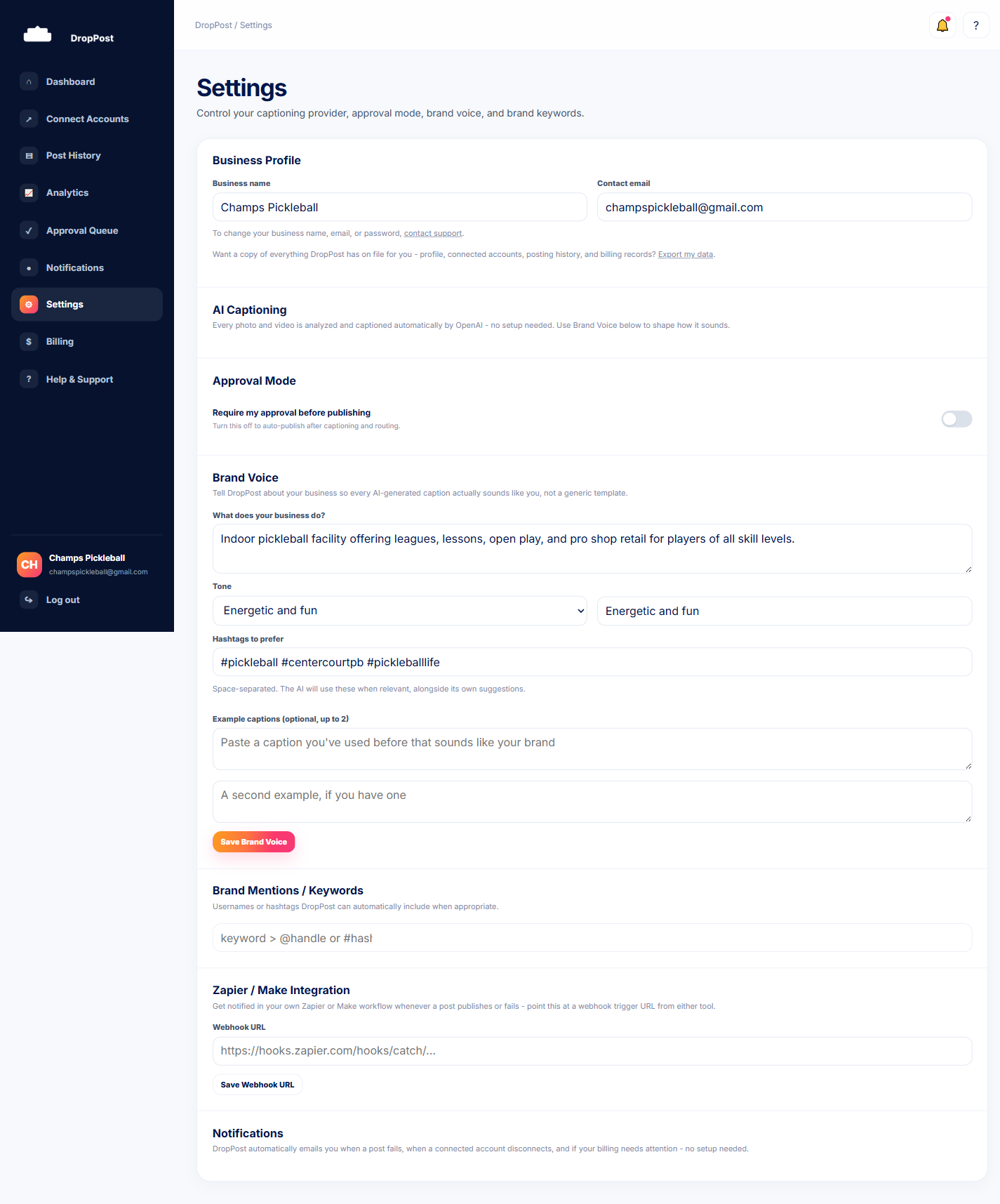
Find the Brand Mentions section.
Scroll to Brand Mentions on the Settings page.
3
Add usernames or hashtags.
Enter the specific usernames or hashtags you want DropPost to consider including — for example, a location account you always want tagged, or a recurring campaign hashtag.
4
Save your changes.
Click Save. From here on, new captions will draw from this list whenever it makes sense for the post.
Mentions are added when they're relevant to the caption's content, not force-inserted into every single post — so don't expect to see the exact same tag on every post if it wouldn't naturally fit.
What happens next
New drops from your Dropbox folder now get captioned with your Brand Mentions worked in automatically whenever they apply, no manual tagging required.