
From the portal navigation, click Analytics to see how your published posts are performing.
Help / Reading your Analytics
Reading your Analytics
The Analytics page shows how your published posts are actually performing, pulled straight from each platform's own reporting. This guide covers what's tracked today, where to find it, and which platforms aren't covered yet.
What you'll need
At least one post published to a connected Facebook or Instagram account — Analytics has nothing to show for accounts that haven't posted anything yet.
Steps
1
Open Analytics
2
See what's tracked today
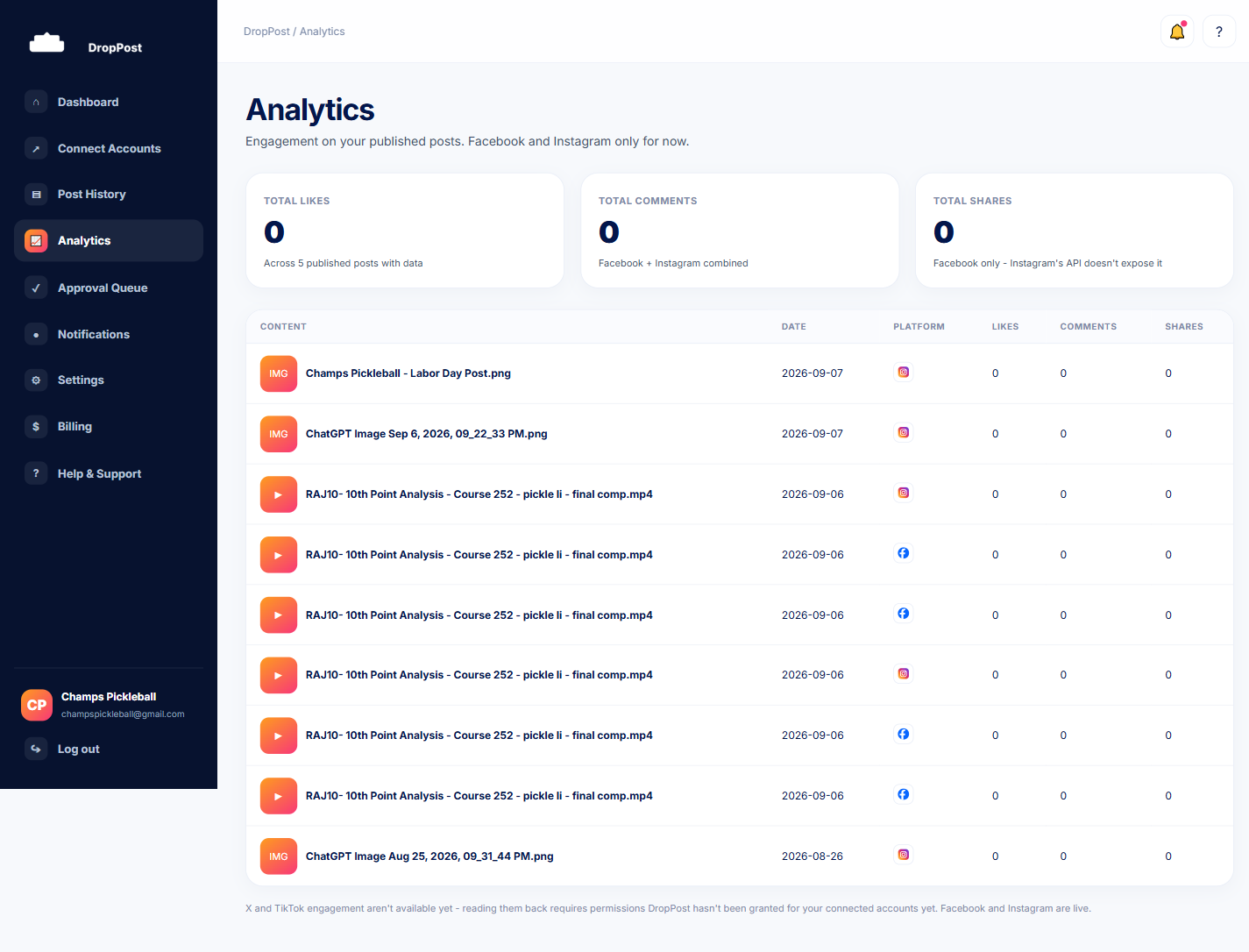
Analytics currently shows engagement metrics for your Facebook and Instagram posts — things like reach and engagement, pulled directly from each platform's own API for every post DropPost has published there.
3
Know what isn't covered yet
X and TikTok analytics aren't tracked yet, so posts to those platforms won't show engagement data here — only Facebook and Instagram are currently supported.
Numbers can take a little time to appear after a post publishes, since they come from each platform's own reporting, not from DropPost itself.
What happens next
As you publish more posts to Facebook and Instagram, Analytics fills in automatically — there's nothing you need to configure or refresh yourself.